
I don’t know about you, but every time I sit down and audit my expenses, I find a subscription or two I’d completely forgotten about. A streaming service I signed up for to watch one show. An app I used once and never opened again. All trickling out of my account every month for a year while I wasn’t looking. Blimey, it adds up.
And let’s be honest, money is tight for a lot of us right now. The cost of living is high, the world is a scary place, and every euro, pound, or dollar you can hang on to matters. There are a few more simple ways to trim your spending, too, and it all helps.
And now for some good news. There are websites out there that do, for free, what other companies charge you a monthly fee for. You probably haven’t heard of most of them, and there’s a reason for that. They don’t advertise because they can’t outspend the big boys like Amazon, so they stay tucked away in a corner of the internet most people never stumble across.
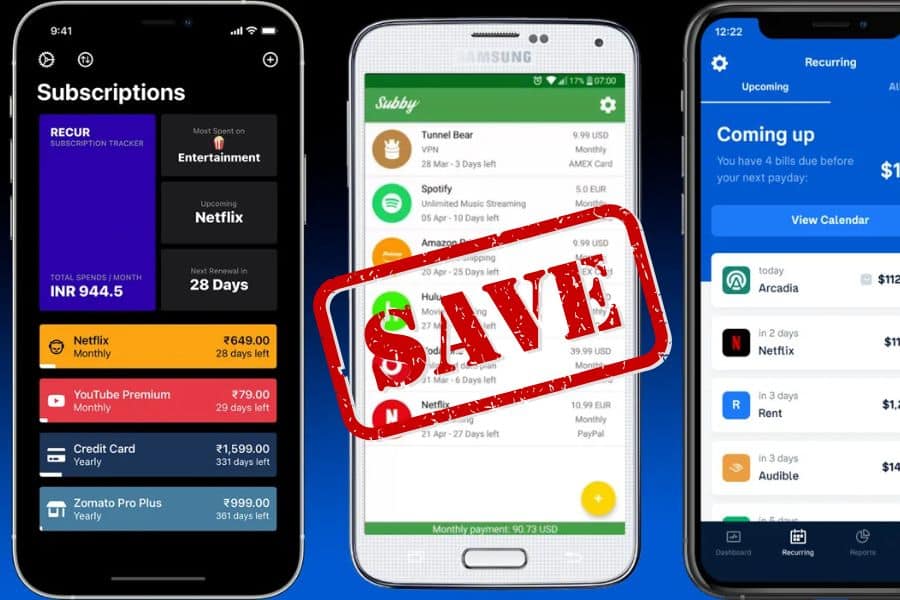
9 Free Websites to Help You Save Money
These are free websites to save money, real tools for cutting bills, dodging overcharges, and keeping a bit more in your pocket.
1. CamelCamelCamel, the Amazon Price Checker

Let’s start with Amazon, since it’s where so much of our money disappears without realizing it. CamelCamelCamel is a free site that tracks the price history of just about anything on Amazon. You paste the link, and it shows you a chart of that item’s cost over time.
Why does that matter? Because a “sale” isn’t always a sale. Retailers have a sneaky habit of nudging a price up just before a big discount day, so the markdown looks far bigger than it really is. This shows you the real story.
Even better, you can set a price alert. Tell it the price you’d happily pay, and it emails you the moment the item drops to it. No more impulse buying and kicking yourself a week later when it’s cheaper. Trust me, I’ve done that more than once.
2. JustWatch, the End of Paying for Five Streaming Services
How many streaming subscriptions are you paying for? Be honest. Netflix, Disney, Prime, maybe a couple more you’ve forgotten about. It’s death by a thousand cuts.
JustWatch is a free site that tells you exactly which service streams a film or show. You search for the thing you want to watch, and it points you straight to it. No more subscribing to a whole new service just for one series.
Before you renew a subscription, check whether the things you actually watch are available somewhere you already pay for or somewhere free. You might find you can cancel one altogether. That’s a saving that keeps going every single month.
3. Libby, Free Books and Audiobooks From Your Library

If you love a good book or audiobook, this one could save you a small fortune. Libby is a free app that lets you borrow ebooks and audiobooks from your local library, using nothing but your library card.
Most libraries have thousands of titles, including new releases and bestsellers, all yours to borrow and read on your phone, tablet, or Kindle. When the loan’s up, the book simply returns itself. No late fees, no fuss.
If you’ve been paying for Kindle Unlimited or Audible out of habit, have a look at Libby first. You may well find you don’t need them. A whole library, for the price of a card you probably already own.
4. Photopea, a Free Stand-In for Photoshop
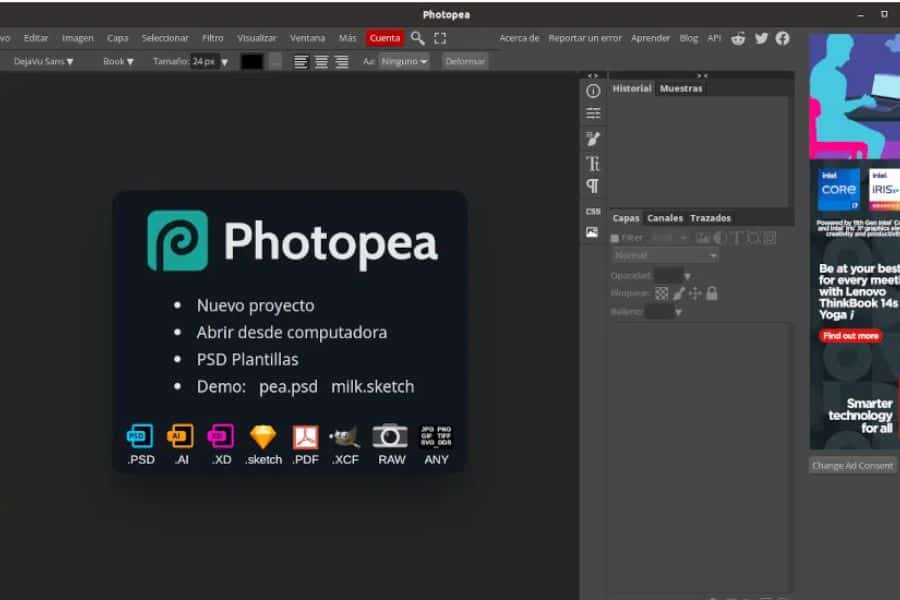
Photo editing software can cost a fortune, and some of it now charges you every single month just to keep using it. Photopea is a free alternative that runs straight in your web browser. Nothing to download, nothing to install.
It looks and works remarkably like the expensive stuff, and it’ll even open proper Photoshop files if someone sends you one.
It’s free because it runs a few ads down the side. A small price for software that would otherwise have its hand in your pocket every month.
5. TinyWow, Free Tools for All Those Fiddly File Jobs
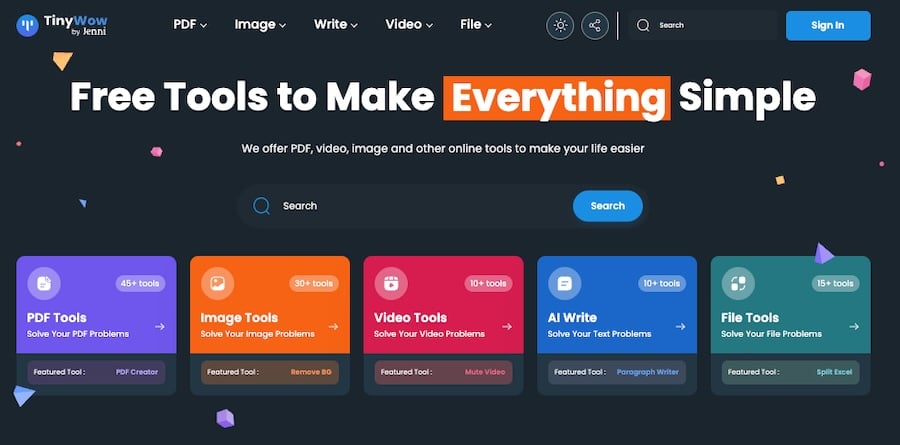
You know those annoying little tasks that always seem to need paid software? Merging two PDFs, signing a form, or shrinking a photo that’s too big to email. TinyWow does all of it, for free, with no account and no credit card.
It’s a big collection of simple tools in one place. You upload your file, do the thing, and download the result. It deletes your file after an hour or so, so nothing of yours sits on their system.
I’d keep it bookmarked for the bits and bobs of admin life that don’t warrant a subscription. Why pay Adobe a monthly fee to sign the occasional document when this’ll do it in a couple of clicks?
6. Temp-Mail, a Throwaway Email to Keep the Spam Out
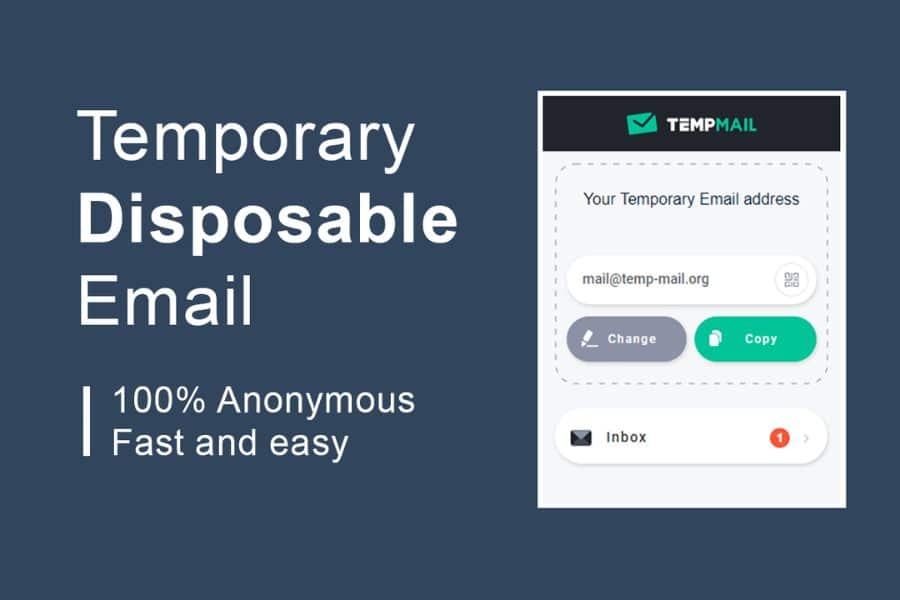
How often does a site demand your email before it’ll let you read an article or download a simple file? And then, of course, the marketing emails start. Temp-Mail gives you a temporary, disposable email address for exactly these moments.
You use it to grab the download or the verification code, and then it vanishes. Your real inbox stays clean, and you’re not handing your details to yet another company that’ll pester you forever.
One sensible word of caution. Only use it for the throwaway stuff. Obviously, never for your bank, your shopping accounts, or anything you’d need to log back into, because once that temporary address is gone, it’s gone for good.
7. ToS;DR, the Site That Reads the Small Print So You Don’t Have To
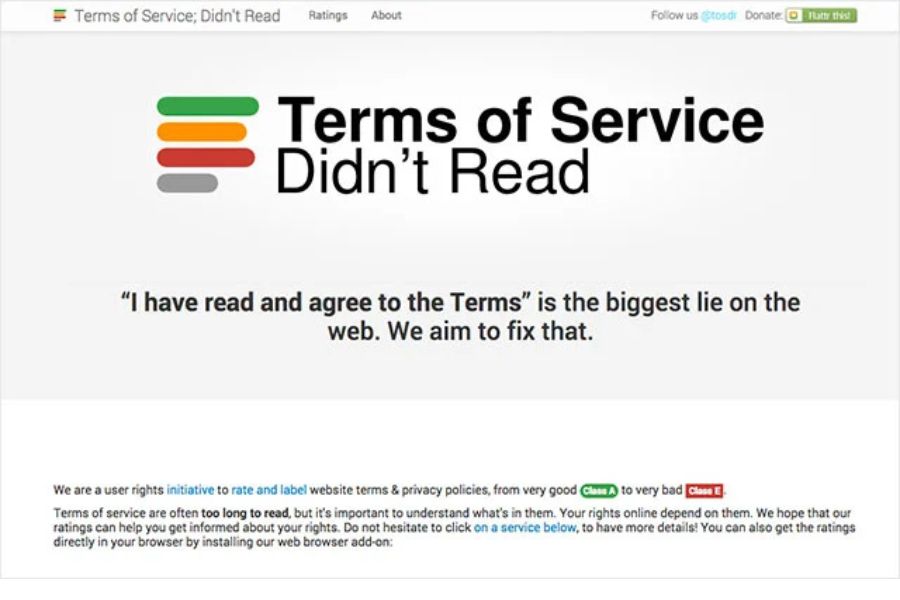
Nobody reads the terms and conditions. Nobody. They’re long, they’re dull, and companies are counting on that. ToS;DR, which stands for “Terms of Service, Didn’t Read,” is a free project that reads them for you and gives each site a simple grade from A to E.
It flags the shady bits in plain English a five-year-old could understand. Whether a site claims ownership of your photos, whether it sells your data on, or whether canceling turns out to be a nightmare. All the things buried in the legalese they hope you’ll skip.
It’s worth a quick check before you sign up for anything new. Looking after your money these days also means steering clear of the online scams that are everywhere now, and this is a tidy little tool for that.
8. MuscleWiki, a Personal Trainer for Nothing

A personal trainer can cost a small fortune an hour, and a gym membership isn’t far behind. MuscleWiki is a free site built around a simple diagram of the body. You click the part you want to work on, your back, your legs, your shoulders, and it shows you clear videos of exercises that target it.
Living out here in rural France, with the nearest gym a fair drive away, I’m all for the simple everyday exercises you can do at home with no gym in sight. This is a handy companion to those.
Do check with your doctor before you start anything new, mind.
9. Perplexity, Free Answers Without the Endless Scrolling

Last one, and it’s a time-saver as much as a money-saver. Perplexity is a free search tool that actually answers your question instead of handing you ten links to wade through. It reads the websites for you and gives you a straight answer, with its sources listed so you can check them.
It’s fantastic as a comparison tool. Ask it which energy tariff, insurance deal, or gadget gives the best value, and it’ll pull the information together in one go. No more opening fifteen tabs and losing the will to live.
Used well, it helps you make smarter spending decisions without the headache. And anything that saves me both time and money is alright by me.
A Final Thought
None of these will make you rich, but the point is that little leaks sink ships, and most of us are leaking money every month without realizing it. A forgotten subscription here, an overpriced bit of software there.
Plug a few of those leaks with the free tools above, and you’ll be surprised how it mounts up over a year.
Disclaimer: This article is for general information only and isn’t financial advice. Free tools and their features change over time, so do check the current terms before relying on any of them. If you’d like guidance tailored to your own finances, have a word with a qualified professional.
Disclaimer: The content in this article is for informational purposes only and is not intended as financial, investment, or tax advice. Always consult a qualified financial advisor or tax professional before making decisions about your money, investments, or retirement planning.

Kylie Lang is a nationally syndicated travel journalist with bylines on the Associated Press Wire & more, a lifestyle writer, and the founder and editor of Your Lifestyle Library (yourlifestylelibrary.com). She holds a BA (Honours) in History from the University of Kent and is a member of the British Guild of Travel Writers.